
The full product
Every screen, and what it is for.
Roam City is built around one idea: the city you already live in is worth exploring. Here is the whole product, screen by screen.
Inside the app
A map that fills in as you live your life.
Every part of Roam City is built around one idea: the city you already live in is worth exploring. Here is how it works, screen by screen.
00Your map
Watch your city reveal itself.
As you move, the areas you actually visit open up on the map. Familiar streets stay familiar. The ones you have never taken stay dim, waiting, quietly visible for the first time.
- Explored areas fill in as you move.
- Unvisited streets stay visible, not hidden.
- Your map grows only while exploration is active.
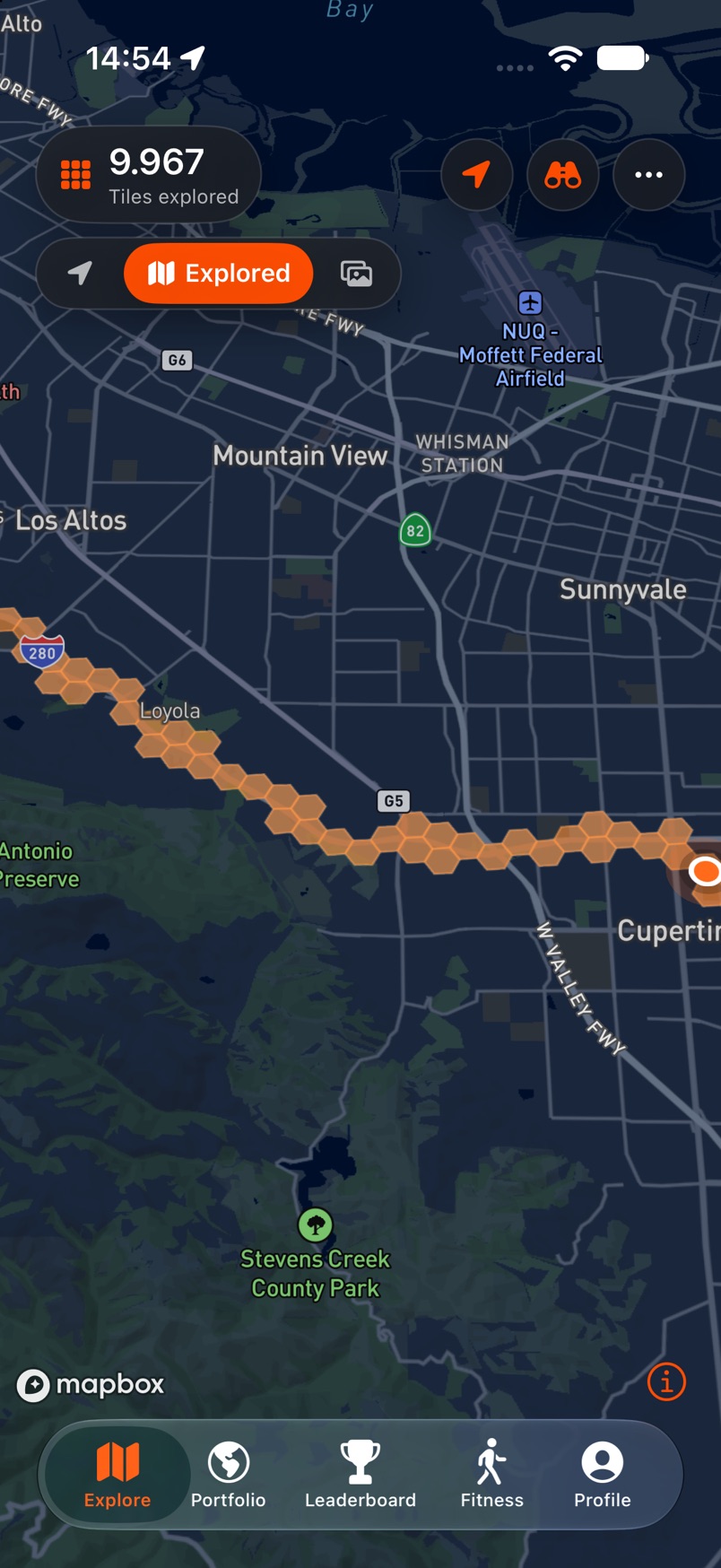
Discovery map · live exploration 01Explore
Start when you are ready.
Exploration is something you begin, not something that happens to you. When you start a session, the app asks for location in context and shows exactly what is about to be recorded.
- Location is requested in context, at the moment you need it.
- You decide when an exploration session starts and stops.
- Pausing is always one tap away.
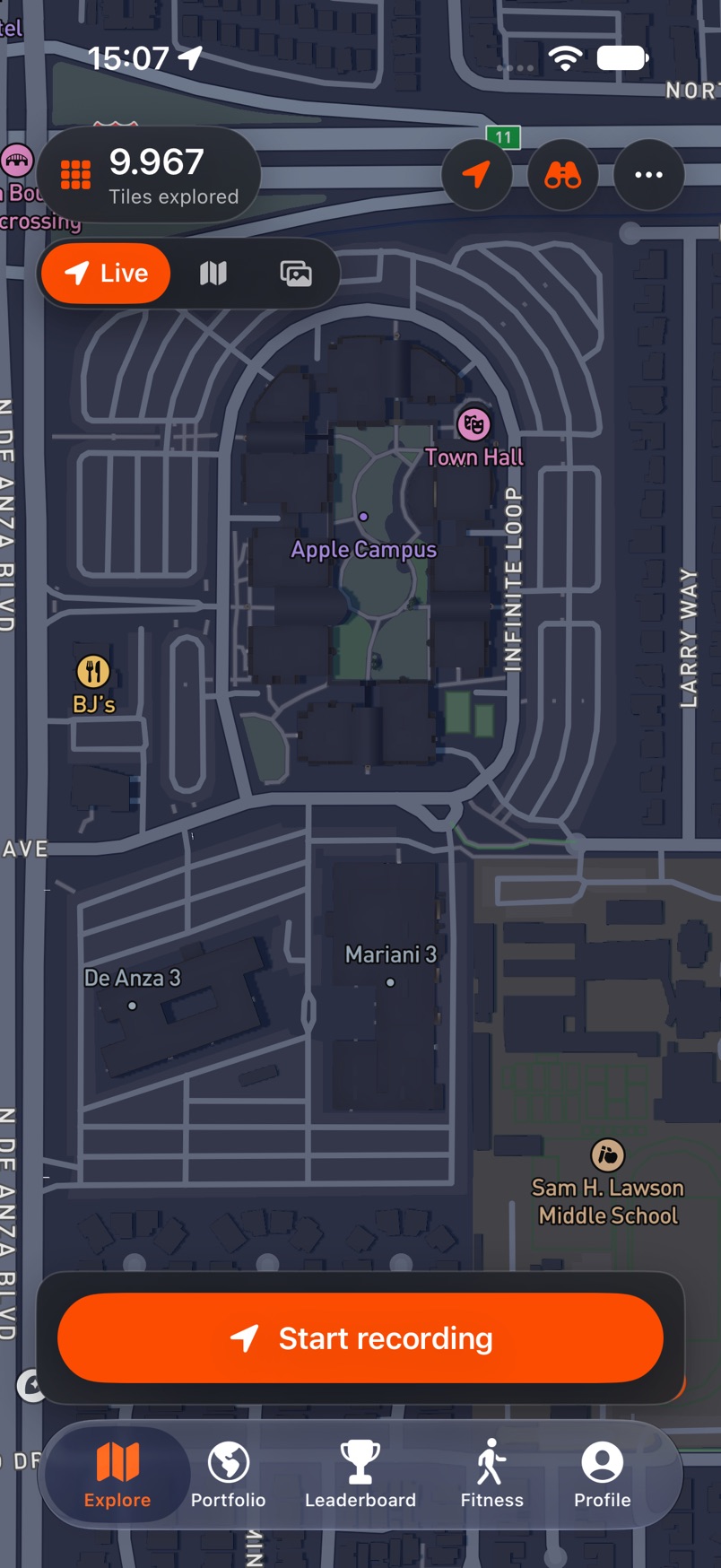
Start a session · permission in context 02Live
Move, and it keeps up.
While a session is running, the map draws the route behind you and counts what you cover: distance, tiles and XP, updated as you go.
- Distance, tiles and time update as you move.
- Pause or finish whenever you want.
- The map only records while you are exploring.
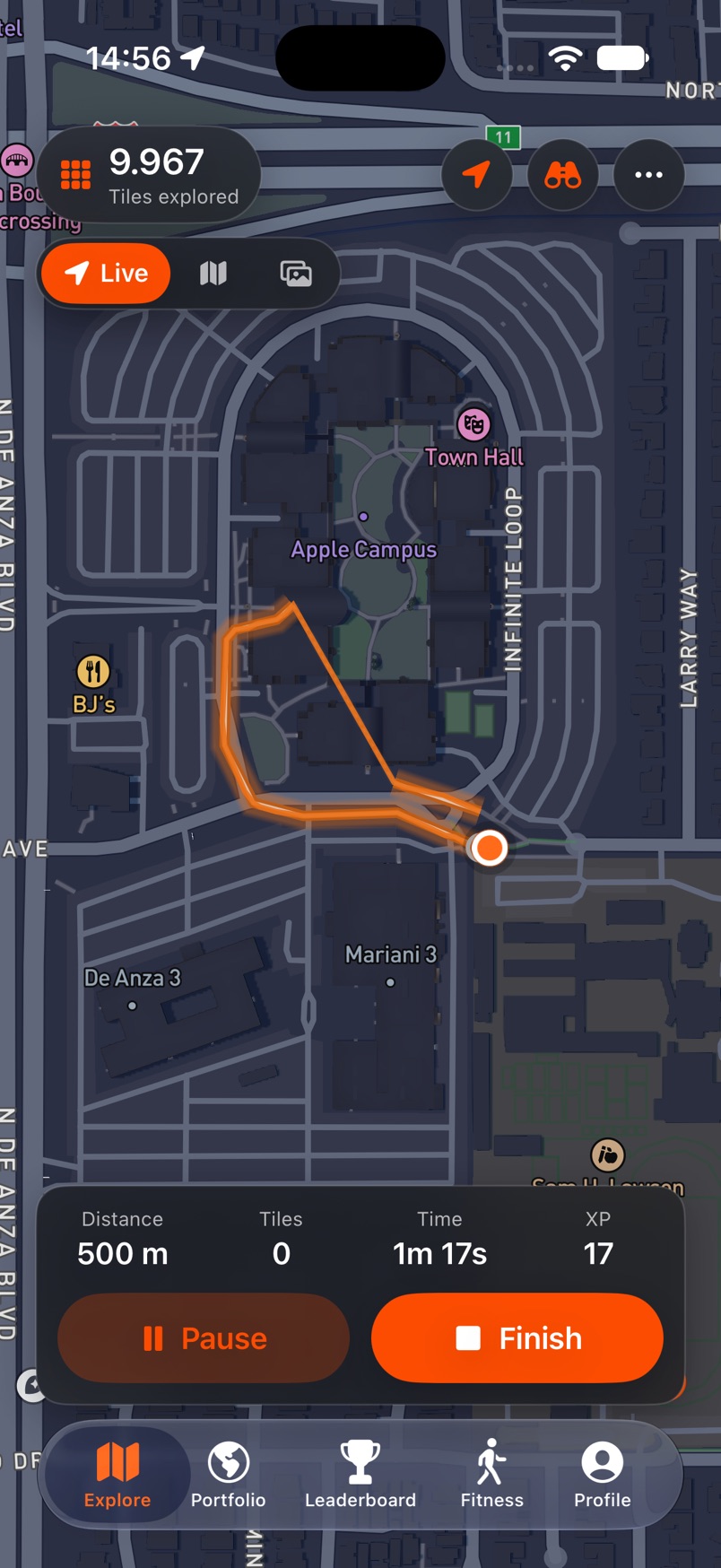
Live exploration · distance, tiles, XP 03Memories
Places become part of your story.
Memories turn the places you visit into something you can return to later, kept on your own map.
- Save a place or a moment to a personal memory map.
- Look back at where you have been, not what you scored.
- Memories stay on your own map, not in a feed.
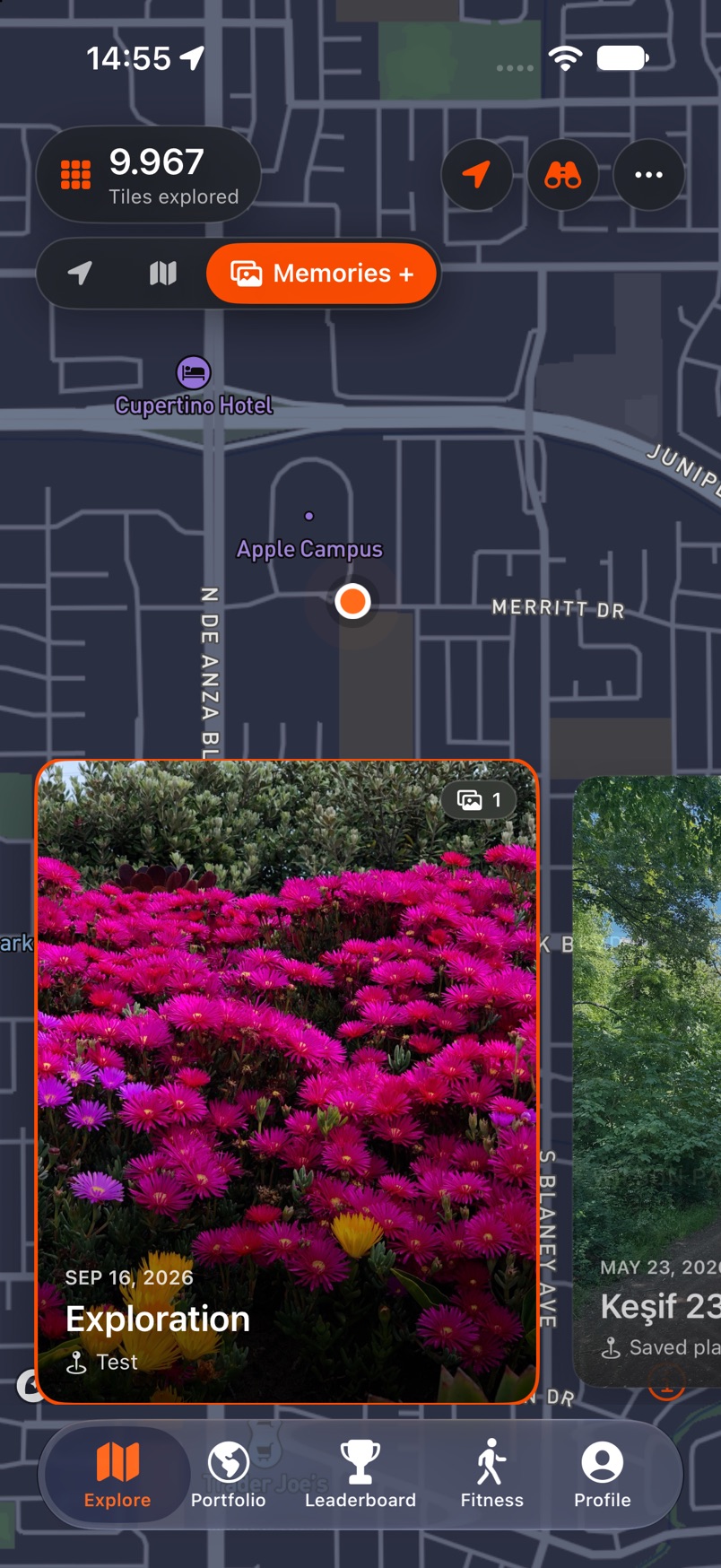
Memories · your places, over time 04Around you
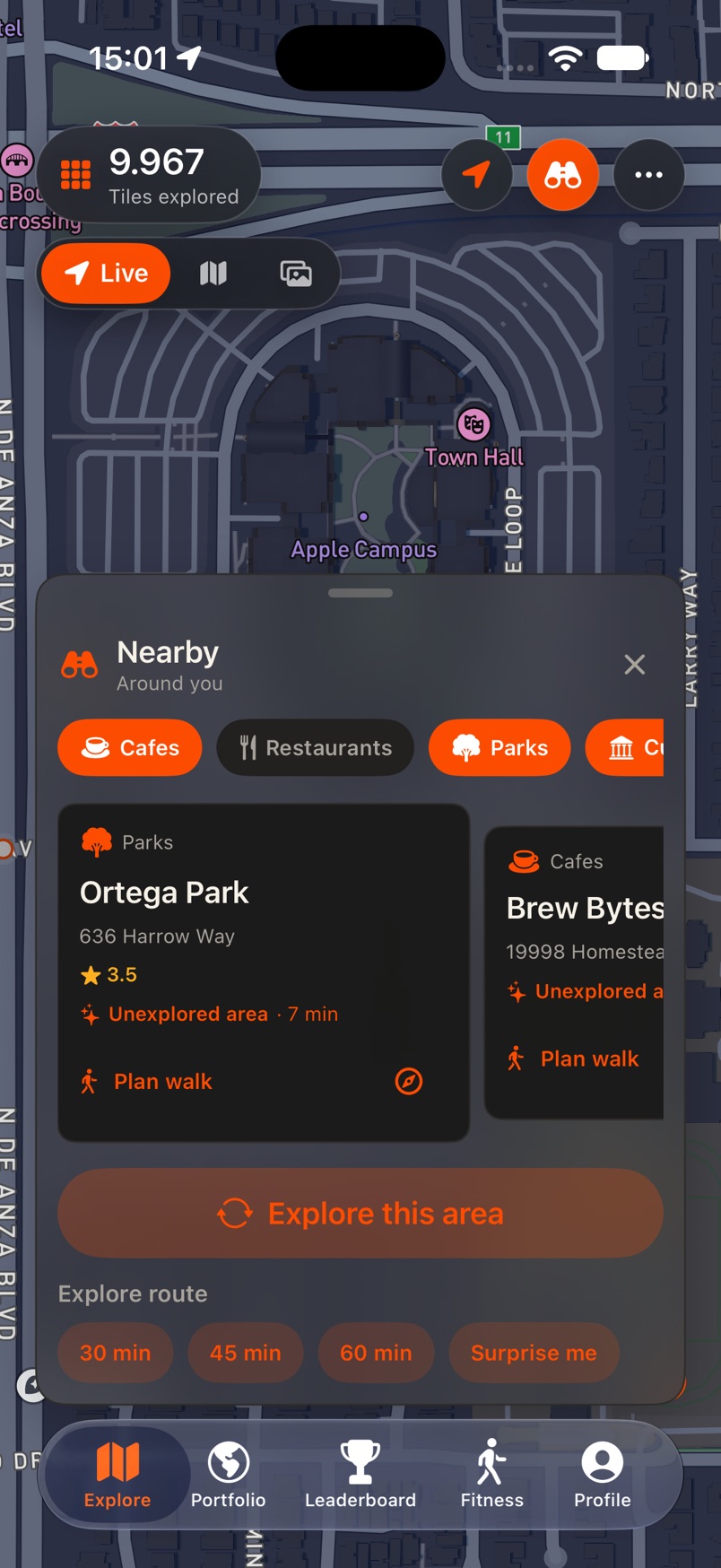
Notice what your routine keeps missing.
Roam City points out the new streets and nearby places just outside your usual loop, then helps you route to them when you feel like a detour.
- Nearby discoveries surface as you move.
- New streets are suggested, never forced.
- Route guidance works when you want a direction.
Around you · nearby discoveries 05Activity
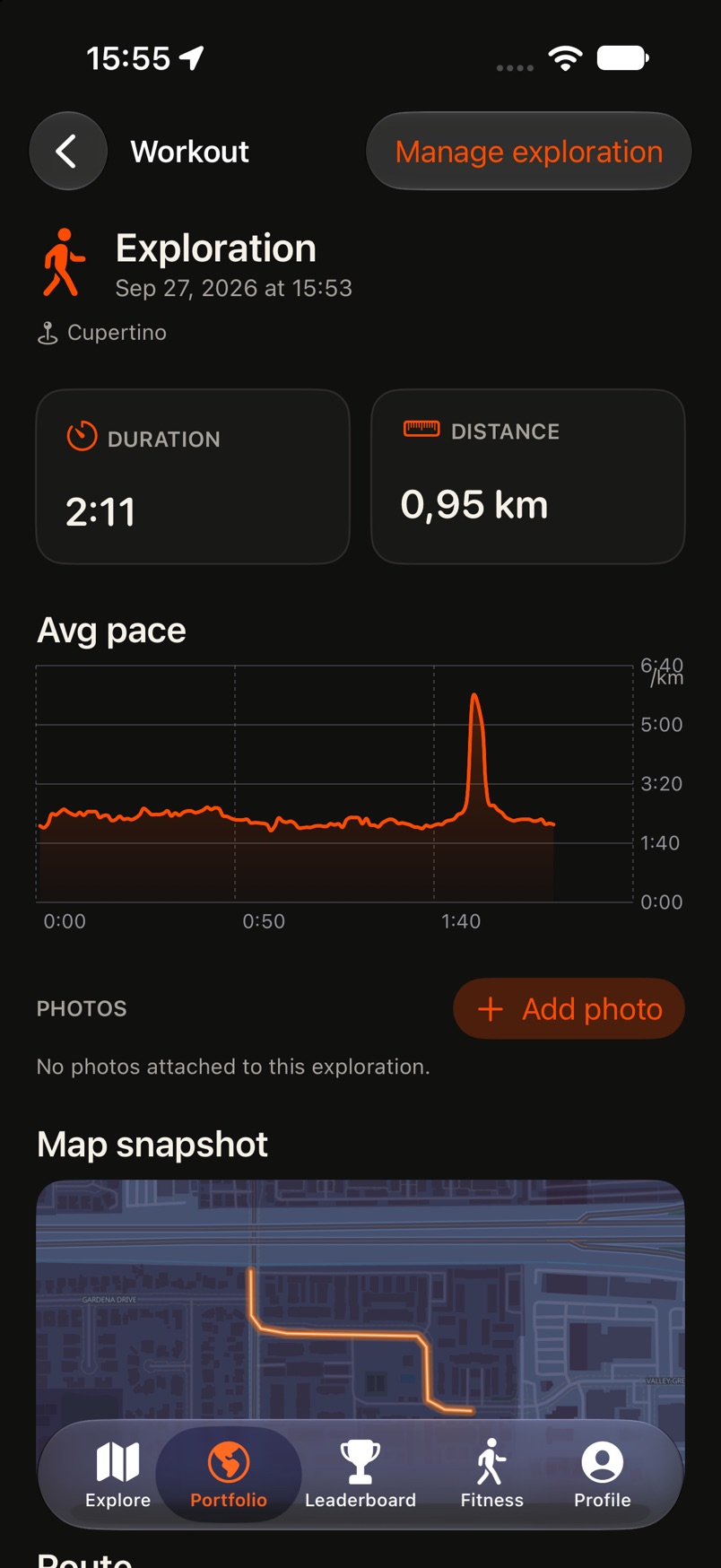
Every walk, kept in detail.
Each session becomes a record you can return to: how long you moved, how far, your pace, the photos you attached, and the shape of the route on the map.
- Duration, distance and pace for every session.
- Attach photos to the places you visited.
- A map snapshot keeps the route with the memory.
Activity · the record of a walk 06Fitness
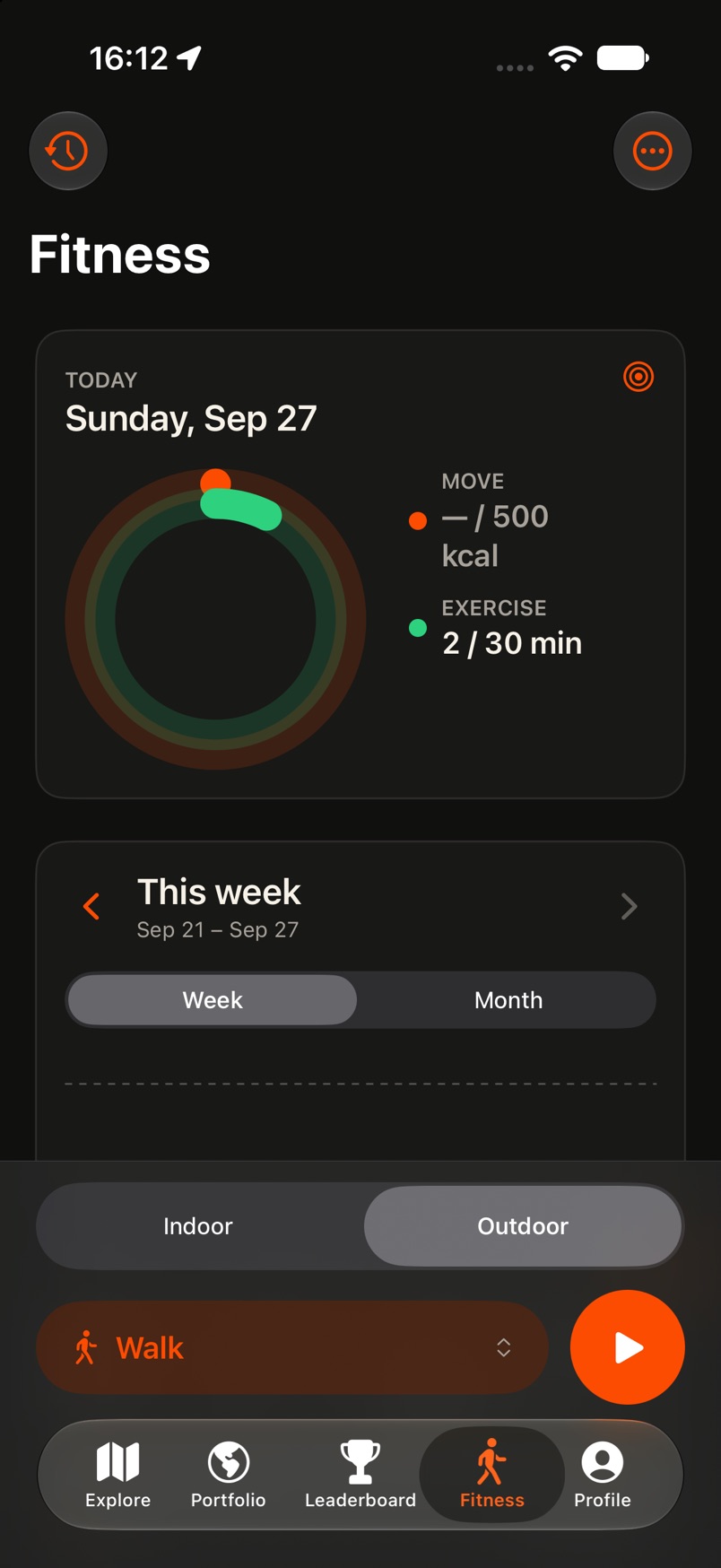
Your movement, in one place.
Roam City also keeps your activity: a daily move and exercise view, weekly totals, and one tap to start a walk, indoors or out.
- Daily move and exercise at a glance.
- Week and month views of your activity.
- Start a walk outdoors or indoors in one tap.
Fitness · your movement, tracked 07Progress
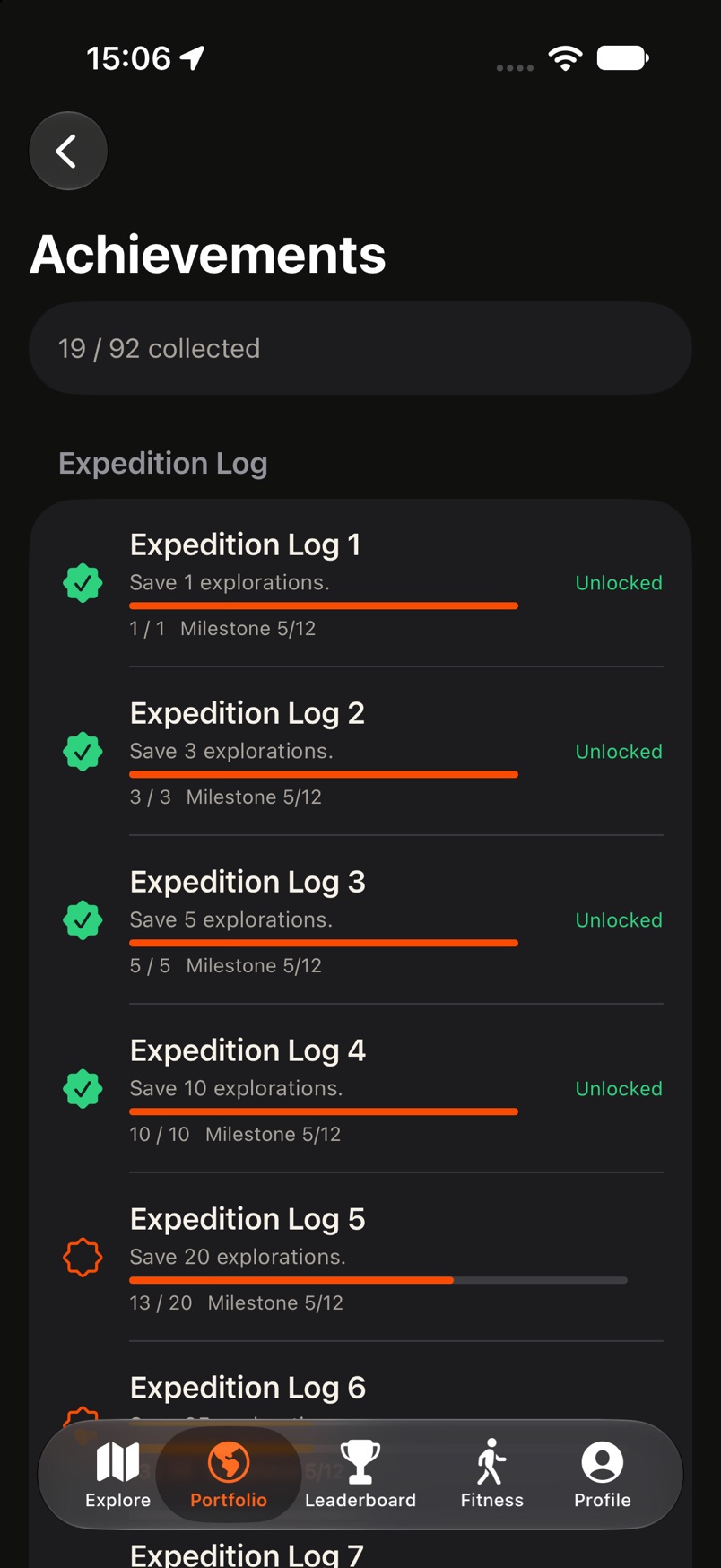
Every outing leaves a mark.
Coverage, XP, levels and milestones make the slow work of seeing more of your city visible. Progress here is about ground covered, not speed.
- See how much of an area you have opened.
- Levels and milestones track steady exploration.
- Distance and pace stay secondary to discovery.
Progress · coverage, level, milestones 08Portfolio
Your whole picture on one screen.
The portfolio gathers the numbers behind your exploration: level and XP, tiles, distance, countries and activities, with a way in to milestones and your activity history.
- Level, XP and progress to the next level.
- Tiles, distance, countries and activities at a glance.
- Quick links to milestones and activity history.
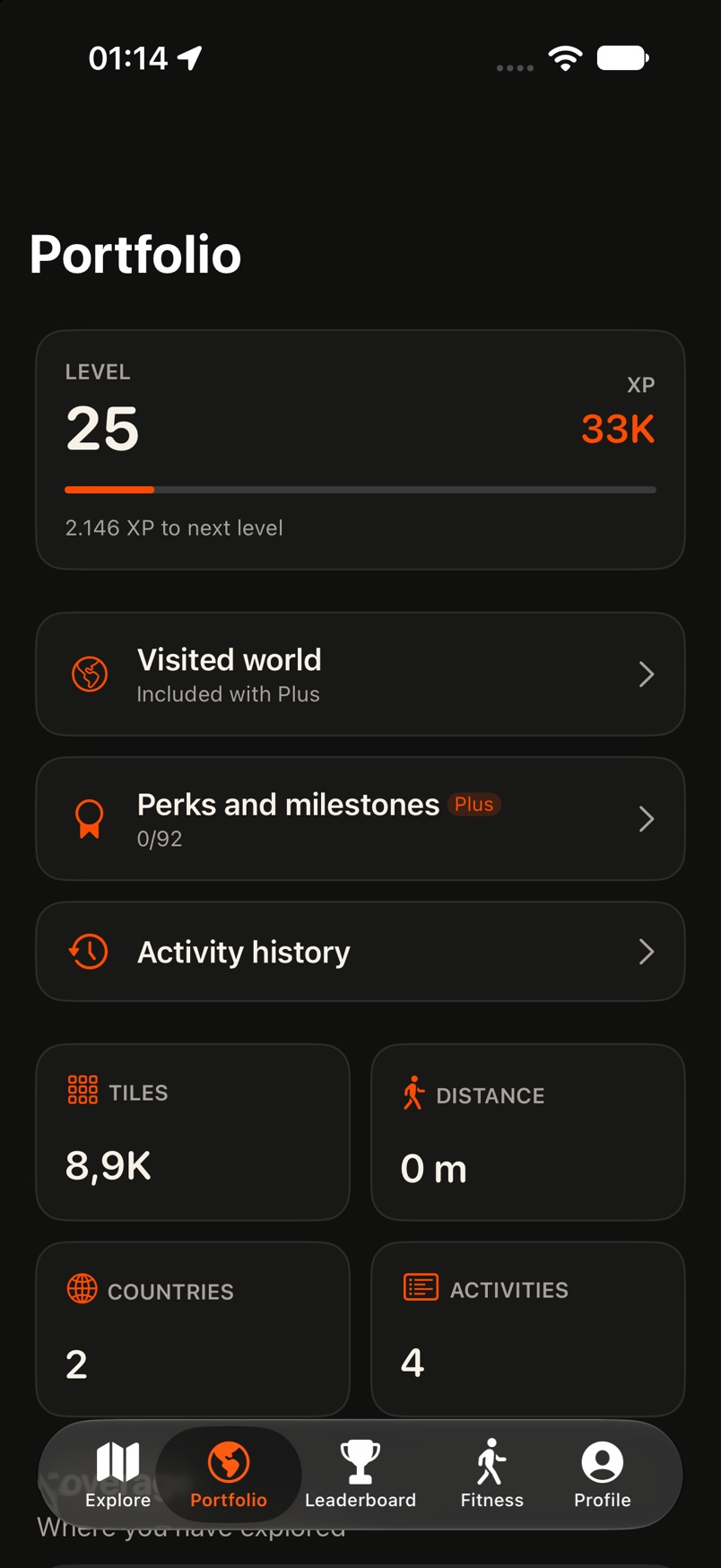
Portfolio · level, XP and totals 09Leaderboard
See how you compare.
A leaderboard ranks explorers by what they have covered, with weekly, monthly and all-time views. It is a way to place your progress next to others, not a race you have to win.
- Weekly, monthly and all-time rankings.
- Ranked by exploration, with levels visible.
- Your own row is highlighted.
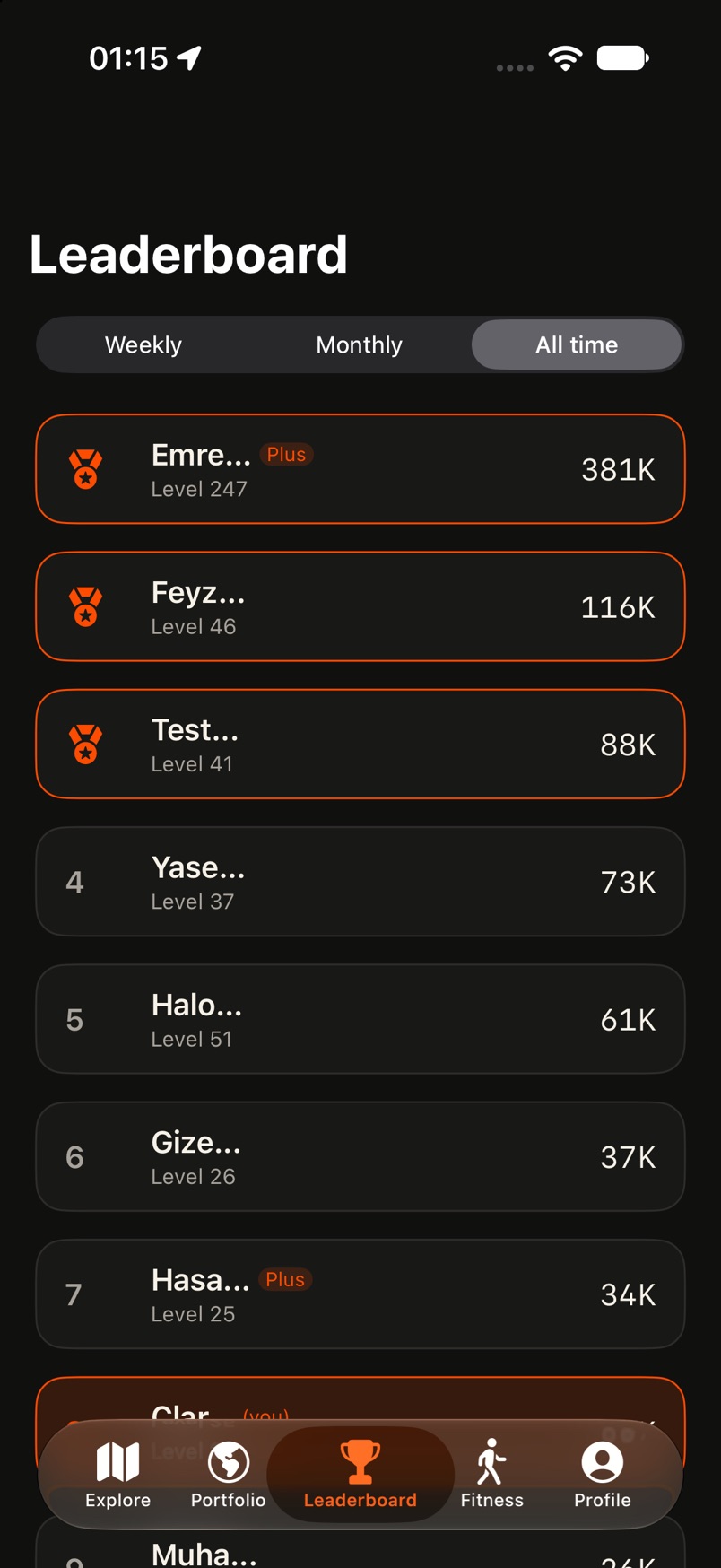
Leaderboard · weekly, monthly, all time 10Visited world
See where you have been.
Roam City gathers the places you have visited into a world view: countries, days and places, kept from your own activity.
- Countries, days and places at a glance.
- Built from the places you have visited.
- A wider view than a single city.
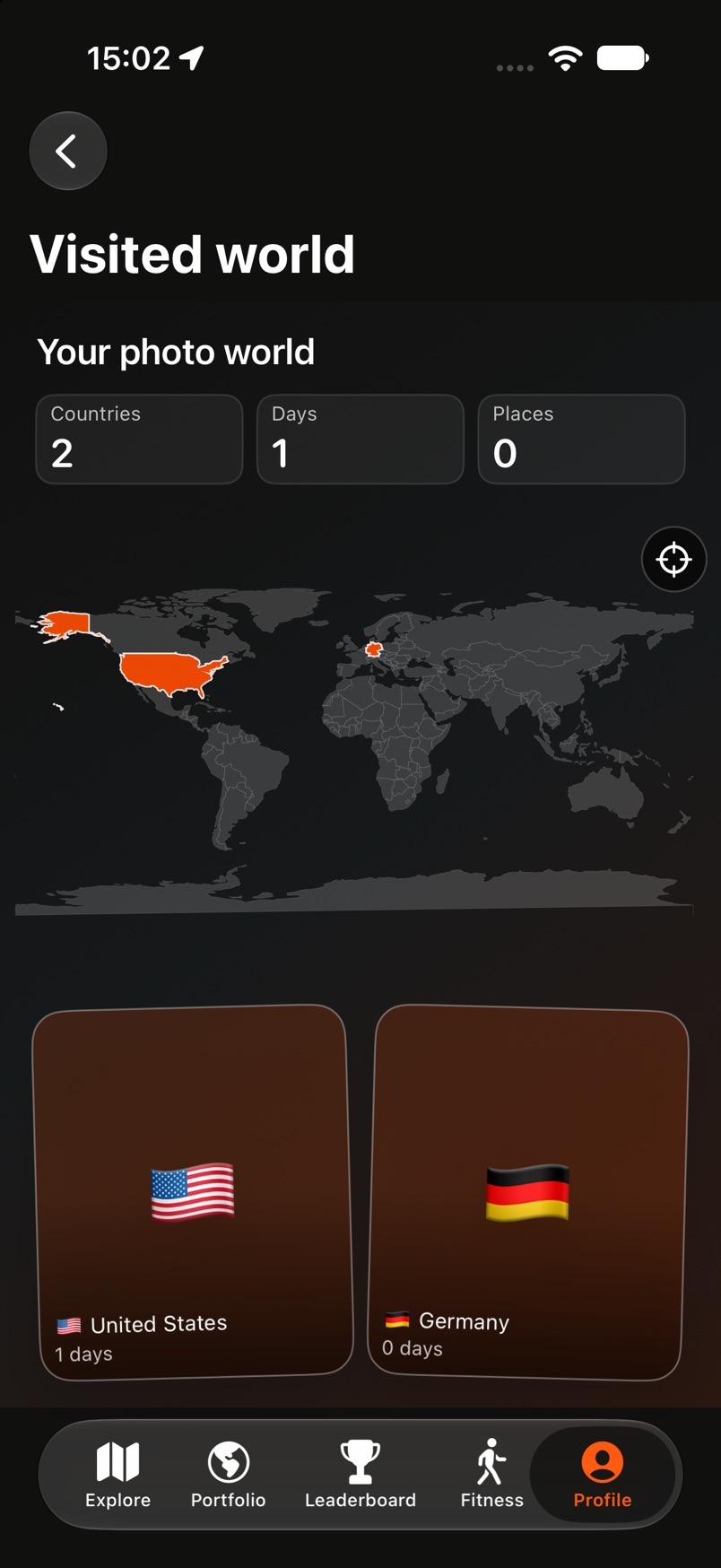
Visited world · where you have been 11Widgets
Your map, on your home screen.
Widgets bring Roam City to the home screen before you even open the app: your visited world at a glance, without starting anything.
- Add Roam City widgets to your home screen.
- See your progress without opening the app.
- Widgets update as your map grows.
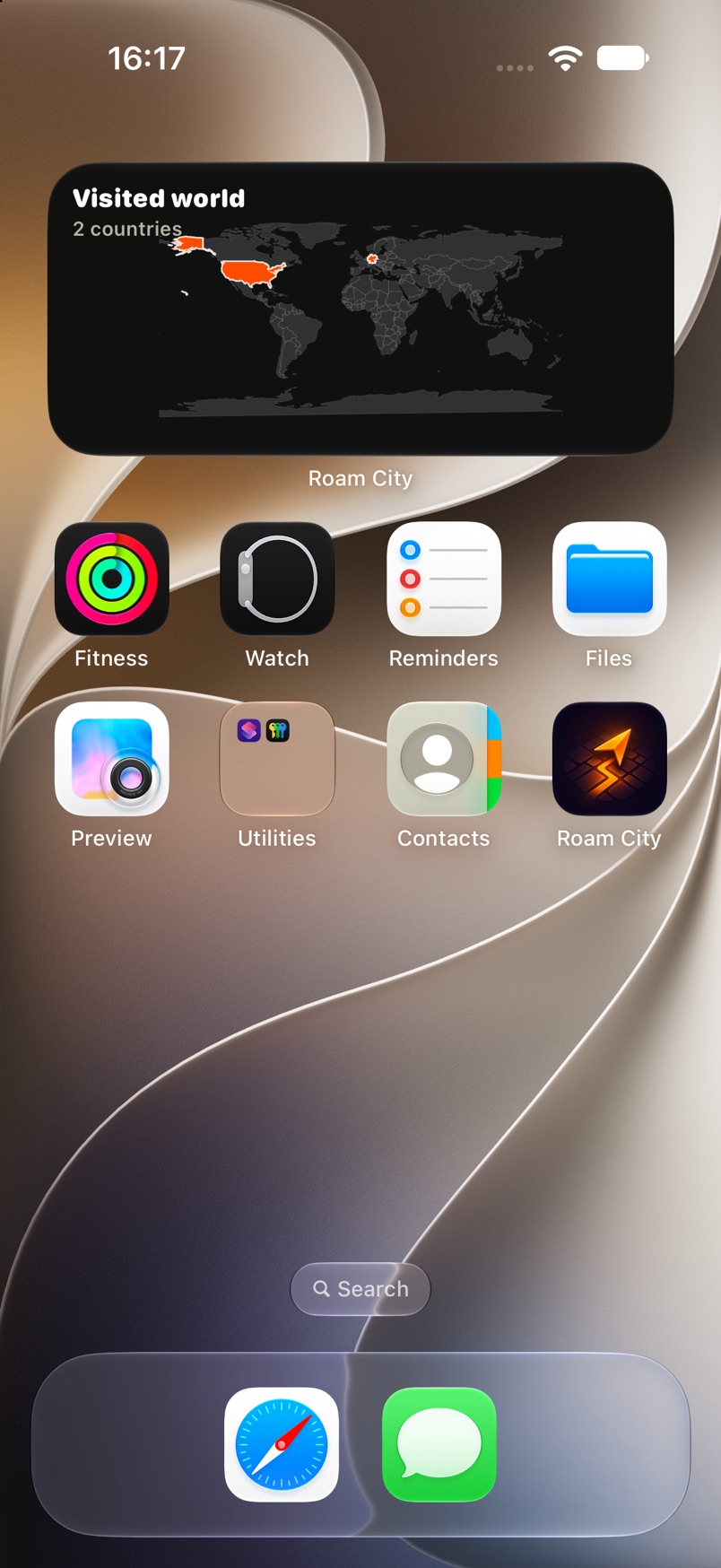
Widgets · your city on the home screen
How it works
Four steps, then it is just your life.
No dashboards to configure. No feed to maintain.
Create your account
Sign in once so your map and memories persist across devices.
Choose when to explore
Start a session when you set out. Stop it when you are done.
Reveal new parts of the city
Walk, ride or run. The map opens as you go.
Keep your progress and memories
Coverage, milestones and memories stay with you.

Now on iOS
Your city is not finished.
Start with the street you have never taken.